Save This Hub
Add the 718 Expo Hub to your home screen for quick access before and during the event.
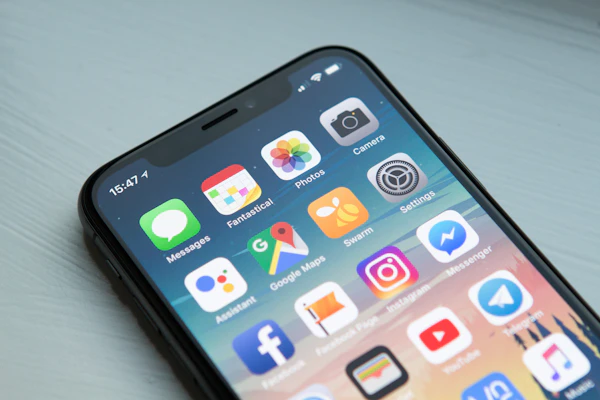
iPhone (iOS)
1. Tap the Share button (square with arrow)
2. Scroll down and tap 'Add to Home Screen'
3. Tap 'Add' in the top right corner
Android
1. Tap the three-dot menu (⋮) in your browser
2. Tap 'Add to Home screen'
3. Tap 'Add' to confirm